Weapons on Back
Requirements
Framework
QBCoreESXQBox
FiveM Build
1868+
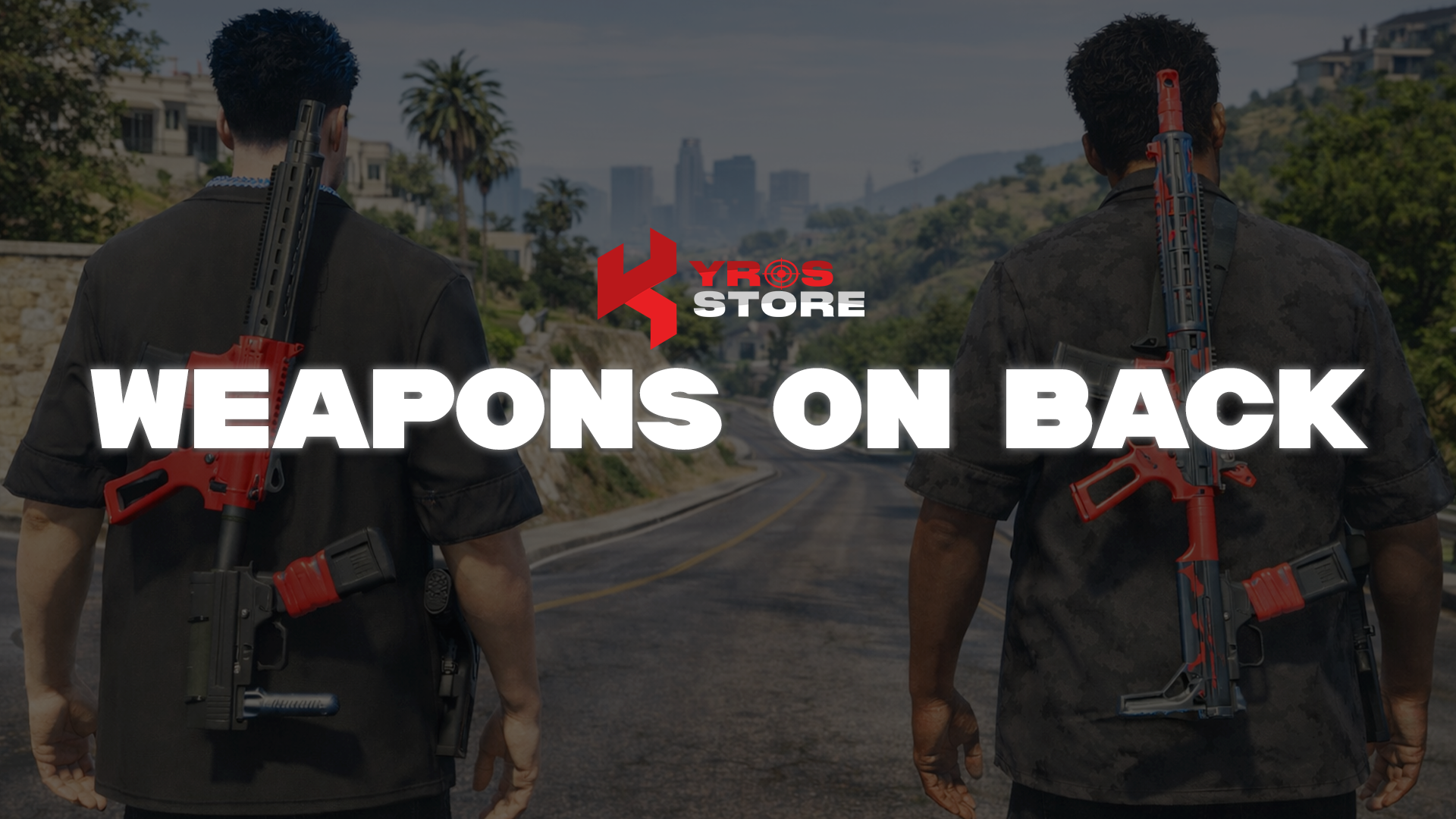
Enhance your FiveM server with Kyros Weapons on Back — a lightweight, customizable script that visually displays your player's equipped weapons in real time. Perfect for roleplay and tactical scenarios, this script adds immersion and realism by showing what weapons players are carrying.
Features
- Real-time visual weapon display on the player's back
- Lightweight & performance optimised
- Fully customisable weapon attachment positions
- Supports all vanilla & custom weapons
- Compatible with QBCore, ESX, QBox
Compatibility
QBCore
ESX
QBox
Installation
1
Download from Keymaster
Download kyros-weapons-on-back from keymaster.fivem.net.
2
Extract and upload
Extract with WinRAR / 7-Zip and upload to resources/.
3
Add to server.cfg
server.cfg
ensure kyros-weapons-on-back4
Configure
Open config.lua in the resource folder — framework selector and per-weapon bone/offset entries are all documented with inline comments.
Stuck on this step?We answer fastest in Discord.