OX Images
Requirements
Framework
Standalone
FiveM Build
1868+
Note: This is just the image pack. You do not need to purchase this separately if you already own a Kyros weapon pack — those come with weapon images included. This pack covers attachments and ammunition.
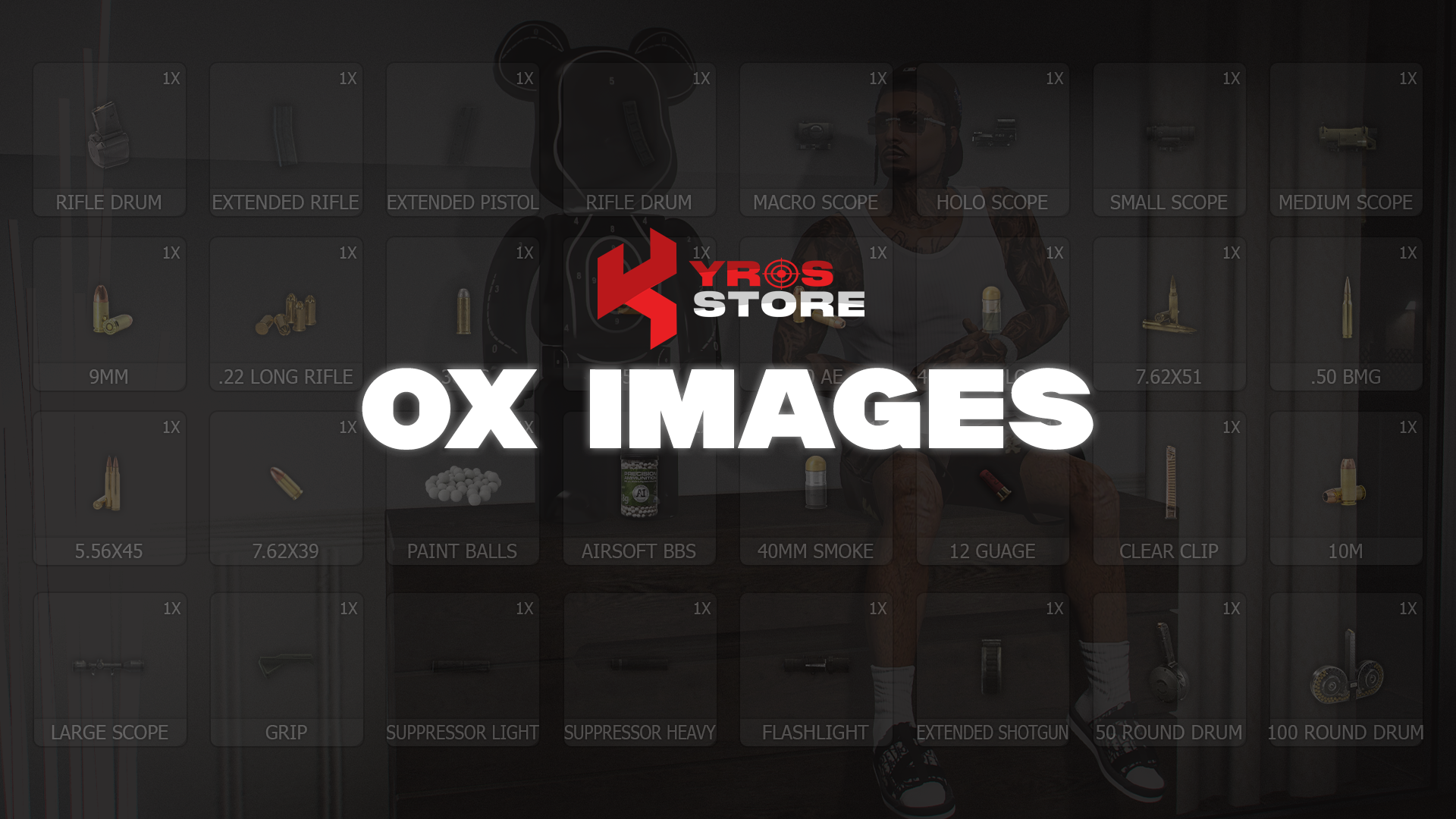
This premium image pack fills the gaps in ox_inventory by adding high-quality, detailed visuals for attachments and ammunition — enhancing both gameplay and immersion.
Features
- High-quality images for all common weapon attachments (scopes, grips, magazines)
- Full ammunition type image coverage
- Consistent visual style across all items
- Ongoing updates — new images added regularly
- Effortless integration with
ox_inventory
Compatibility
Standalone (ox_inventory)
Installation
1
Download from Keymaster
Download kyros_ox_images from keymaster.fivem.net.
2
Extract the image files
Extract using WinRAR or 7-Zip.
3
Copy images to ox_inventory
Copy all .png files from the pack into your ox_inventory/web/images/ directory:
Shell
cp kyros_ox_images/images/* ox_inventory/web/images/4
Restart ox_inventory
Restart the resource to pick up the new images:
server.cfg
restart ox_inventoryStuck on this step?We answer fastest in Discord.